One Bluesky account gets you into many apps. ATOMO is the name for that.
ATOMO is a name for signing in
One transit card opens the gates at every station. ATOMO works the same way: with a Bluesky account, you can walk into any app that has the ATOMO button. No new sign-up for each app.
A friend on AT
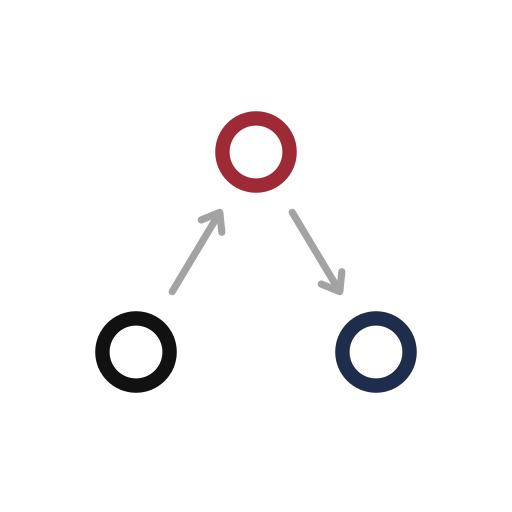
Bluesky runs on ATProto, the AT Protocol. ATOMO joins AT with tomo, Japanese for friend. The same friend comes along to every app.
The same you everywhere
In Italian and Spanish, atomo means atom: one thing that cannot be split. Whichever app you enter, it is the same one you inside.
A shared standard
ATOMO is not a new invention. ATProto already has a standard way to sign in with your account (OAuth). ATOMO is an easy name for it.
No Bluesky account yet?
Make one first. It is free at bsky.app, and the handle you get there works with ATOMO as it is.
You type your password only on the page of the place that holds your Bluesky account (such as bsky.social). The app receives a token saying “this person said yes,” never the password itself. An app cannot leak what it never knew.
Type your handle
Enter your handle (like alice.bsky.social) in the app and press the ATOMO button.
Sign in at your host
Your browser opens the page of the place that holds your account. You type your password there.
Back to the app
Press “Authorize” and you return to the app. The app keeps only the token.
What the app asks for is shown first
Before you press “Authorize,” the screen lists what the app wants to do. If you do not like it, stop there. Nothing happens to your account.
An app should ask only for what it uses. kamikire asks only for a place to keep your pages and their images. ATOMO feed asks only to make feeds and search posts. Neither can post or like in your name.
Look for the ring of light
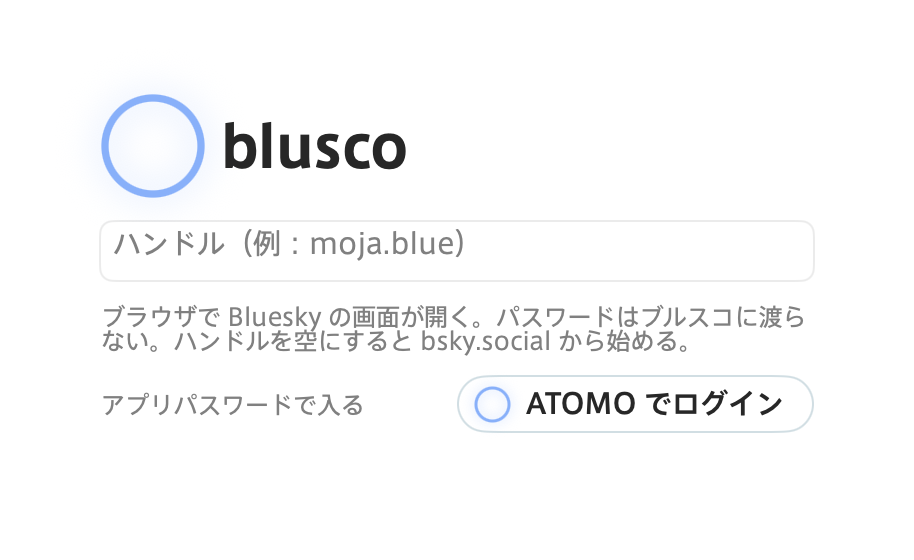
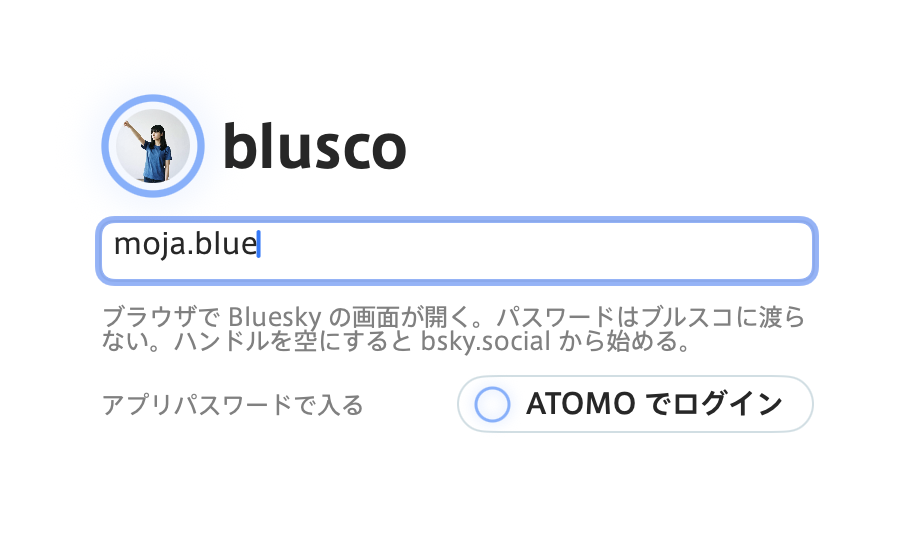
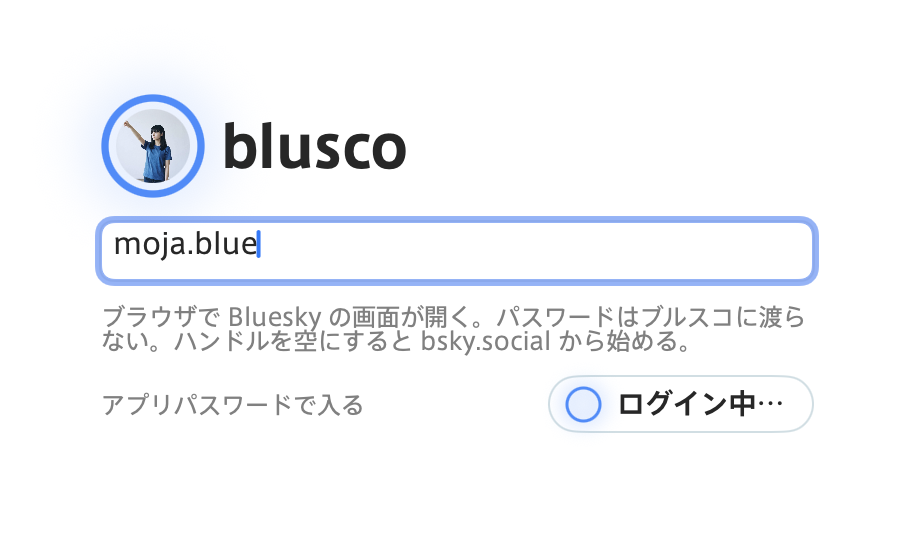
The ATOMO button carries an open ring. Type a handle and that person’s avatar fills the ring. Press the button and the ring slowly breathes, brighter and dimmer. It stays still the rest of the time, so you can tell it apart from other lights, like a new notification.
The blusco sign-in screen on Mac, in Japanese.
Apps you can enter with ATOMO
All made at Atelier MoJa. Sign in from the button with the ring.